A design system helps a marketing team move faster by removing repeated low-value decisions while preserving room for purposeful creative choices. It should standardise the parts that benefit from consistency, such as typography, colour roles, spacing, buttons, cards, data styles, and accessibility rules. It should not force every campaign into one identical layout.
The practical goal is controlled variation. The team shares a reliable visual language and production method, then combines approved parts according to the audience, channel, message, and campaign idea. When that distinction is clear, consistency stops meaning sameness.
What a design system for a marketing team actually contains
A marketing design system is more than a brand guideline and more than a template folder. Guidelines explain the intent and rules. Templates provide ready-made starting points. A system connects foundations, reusable assets, components, patterns, content rules, and governance so people can produce new work without rebuilding the decisions each time.
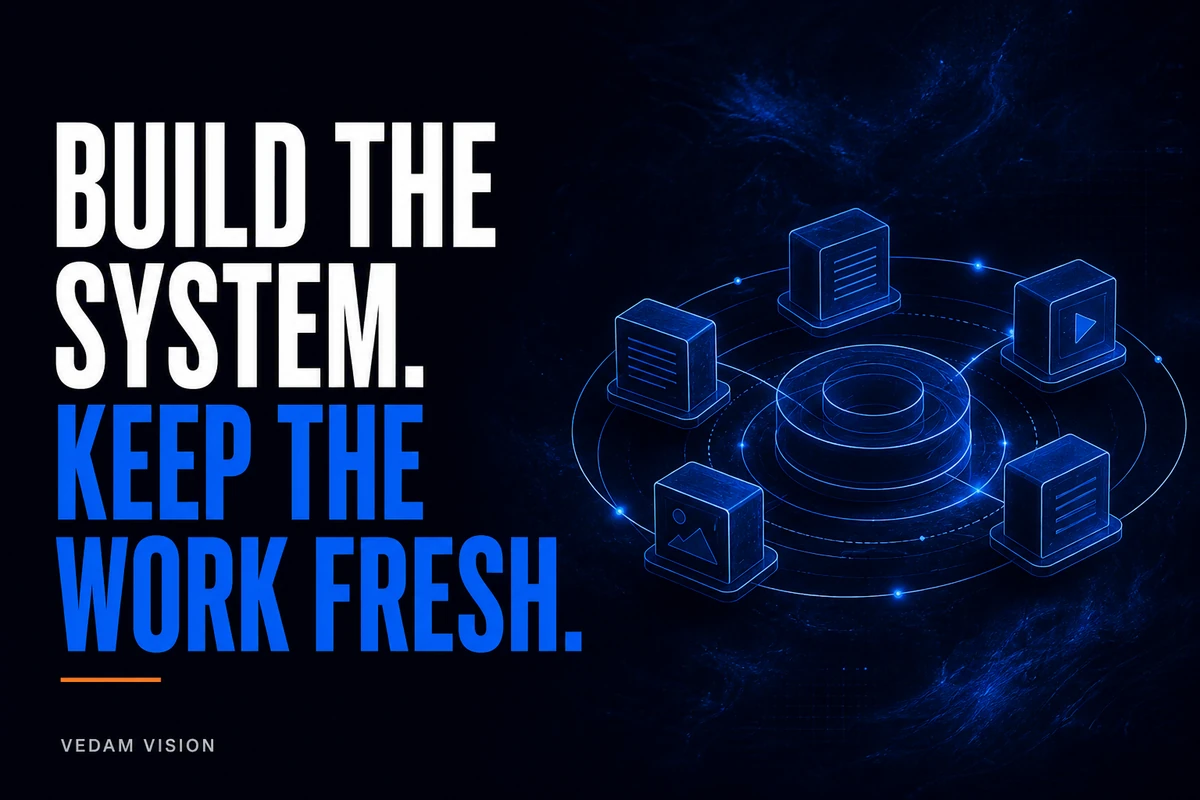
A useful system usually has six layers:
- Foundations: brand principles, audience needs, visual character, accessibility expectations, and channel constraints.
- Design tokens: named choices for colour, typography, spacing, radius, borders, shadows, and motion.
- Components: reusable units such as buttons, cards, quote blocks, stat panels, author areas, and call-to-action modules.
- Patterns: combinations used for comparisons, announcements, carousels, case studies, landing-page sections, and email blocks.
- Templates: approved starting files for recurring sizes and channels.
- Governance: owners, source files, review criteria, contribution rules, versioning, and deprecation decisions.
The U.S. Web Design System describes design tokens as limited, named style choices that improve design efficiency and communication. That principle matters for marketing teams too. A designer should be able to choose “brand accent” or “space large” based on an agreed role, rather than search old files for an approximate orange or make a new gap by eye.
Explore the branding and visual identity service when the team needs to connect brand foundations with production-ready rules rather than collect isolated assets.
Where the speed actually comes from
The system creates speed before anyone opens a design file. It reduces the number of decisions required to produce, review, and hand off routine work.
Fewer foundation decisions
People no longer debate the type scale, colour roles, button treatment, logo clear space, or common spacing on every asset. The approved system handles those questions. Designers can spend more time on hierarchy, story, concept, and channel fit.
Faster review
Reviewers can separate system compliance from creative judgment. They first check whether the asset uses approved foundations, content, and accessibility rules. Then they assess whether the idea is effective for the audience. This is more useful than feedback such as “make it pop” or “try another font.”
Safer delegation
A new team member, freelancer, or agency partner receives a clear source of truth. They can see which parts are fixed, which parts are flexible, and how finished work is approved. Delegation becomes less dependent on one designer remembering every exception.
Cleaner handoff
Named tokens and documented components give designers, developers, content teams, and campaign managers a common vocabulary. A website module, landing-page graphic, and social card can express the same hierarchy without using identical files. Review the Vedam Vision process for an example of connecting decisions, production, implementation, and quality assurance.
How to avoid the template look
Repetition usually appears when a team mistakes a template for a system. It copies one composition, swaps the headline and image, and calls the result consistent. The problem is not reuse. The problem is that every design decision has been locked at the same level.
Separate the system into invariants and variables.
Keep these parts stable
- Official logo assets and rules.
- Core typography and readable type scales.
- Colour roles and accessible combinations.
- Spacing logic, grid behaviour, and safe areas.
- Approved UI components and interaction states.
- Data and evidence presentation standards.
- File naming, exports, ownership, and approval status.
Allow these parts to vary deliberately
- Headline scale and placement within approved ranges.
- Composition, crop, illustration style, and focal point.
- Background treatment within approved colour roles.
- Content density based on the channel and reading situation.
- Campaign-specific motifs that do not replace the core identity.
- Photography subjects and art direction matched to the audience.
- Motion and transitions when they serve comprehension.
A comparison post, founder story, product announcement, and research summary should not share the same layout simply because they come from the same brand. They can share typography, colour roles, spacing, logo treatment, and tone while using different information structures.
The portfolio and case-study library can help a team discuss the difference between a recognisable system and repetitive execution.
How to build the system around real marketing work
1. Audit recent production
Collect three to six months of social posts, ads, presentations, emails, landing pages, reports, proposals, and event assets. Group them by purpose and channel. Mark repeated decisions, inconsistent choices, accessibility problems, production delays, and one-off assets that should not become a pattern.
Do not begin by designing the ideal library in isolation. Begin with the work the team repeatedly produces and the problems that consume time.
2. Identify high-value foundations
Agree on colour roles, typography, spacing, grid, image direction, icon style, data treatment, and motion principles. Name choices by purpose where possible. “Text muted” is easier to maintain than “grey 500” when a marketer needs to understand the intended role.
Accessibility should be part of these decisions. W3C guidance recommends sufficient contrast, clear navigation, identifiable controls, responsive layouts, labels, and alternatives for images and media. If a designer has to remember those requirements from scratch for every campaign, the system is incomplete.
3. Build components from recurring content
List content structures the team uses often: headline and subhead, quote and attribution, metric and context, before-and-after comparison, testimonial, service summary, author block, event detail, and call to action. Design each one as a component with defined variants, minimum and maximum content, responsive behaviour, and accessibility notes.
Do not create variants merely because the design tool makes it easy. Each variant should solve a recurring need. Too many nearly identical options recreate the decision burden the system was meant to remove.
4. Create composition recipes, not only templates
A recipe explains how components can be combined for a purpose. For example, a research insight may use a direct claim, evidence block, explanatory visual, source note, and discussion prompt. A founder story may use a moment, tension, decision, lesson, and short invitation. The composition can change while the information logic remains useful.
5. Test the system with contrasting briefs
Use the system to design different real assignments: a quiet thought-leadership post, a high-energy launch, a detailed report, a mobile landing page, and a sales presentation. If every result looks identical, more expressive variables are needed. If the results no longer feel related, the foundations or governance are too weak.
6. Document decisions at the point of use
Documentation should sit near the component or asset whenever possible. State what it is for, when to use it, when not to use it, content limits, accessibility requirements, responsive behaviour, source ownership, and examples. Avoid a long document that explains philosophy but leaves production questions unanswered.
Set up governance without creating a committee for every post
Governance should make routine work easier and unusual work safer. Give day-to-day creators freedom inside approved boundaries, then reserve specialist review for new components, high-risk claims, legal issues, accessibility exceptions, and major campaign departures.
A lightweight governance model can assign four responsibilities:
- System owner: maintains foundations, documentation, versions, and deprecation.
- Content owner: confirms message, evidence, audience, and channel requirements.
- Creator: combines approved parts and records gaps or exceptions.
- Reviewer: checks objective quality gates and the campaign idea.
Define what creators can publish without additional review. A standard social post using approved components may need a content check only. A new data-visualisation pattern or landing-page component may need design and development review. The services overview shows why ownership matters when several capabilities contribute to one customer experience.
Measure whether the system is helping
A design system should improve production and quality, but measurement needs context. Track signals that the team can influence:
- Time from approved brief to approved asset.
- Number of review rounds and reasons for revision.
- Use of approved components and current source files.
- Accessibility failures caught before publication.
- Duplicate components or uncontrolled variants created.
- Exceptions that reveal a genuine missing pattern.
- Onboarding time for new creators and partners.
Campaign performance should still be reviewed, but do not attribute every result to the system. Reach, conversion, and engagement also depend on the offer, audience, content, distribution, timing, and budget. The system makes execution more reliable. It does not replace marketing judgment.
Know the limitations
A small team does not need a large enterprise library. Build the minimum system that supports frequent work, then expand it when repeated demand justifies the effort. A system can also become a burden when documentation is outdated, component ownership is unclear, or creators are punished for necessary exceptions.
Some campaigns should break familiar composition patterns. The question is whether the departure serves a clear audience and message, keeps essential identity and accessibility rules, and is documented if it introduces something worth reusing.
Technology alone will not solve governance. A design tool library can distribute components, but people still need a shared understanding of the brand, content, customer, and approval model.
Build consistency into the decisions, not into one layout
A useful design system for a marketing team creates a stable base and a flexible surface. Stable foundations protect recognition, readability, and production quality. Flexible compositions keep ideas appropriate to the audience and prevent the brand from becoming visually predictable.
Start with the work your team produces most. Standardise the decisions that repeatedly slow people down, define where variation is welcome, and create a feedback loop for genuine exceptions. You can request a website and brand audit, browse more practical guidance in the Vedam Vision blog, or use the contact page to discuss a design system that supports both speed and creative range.