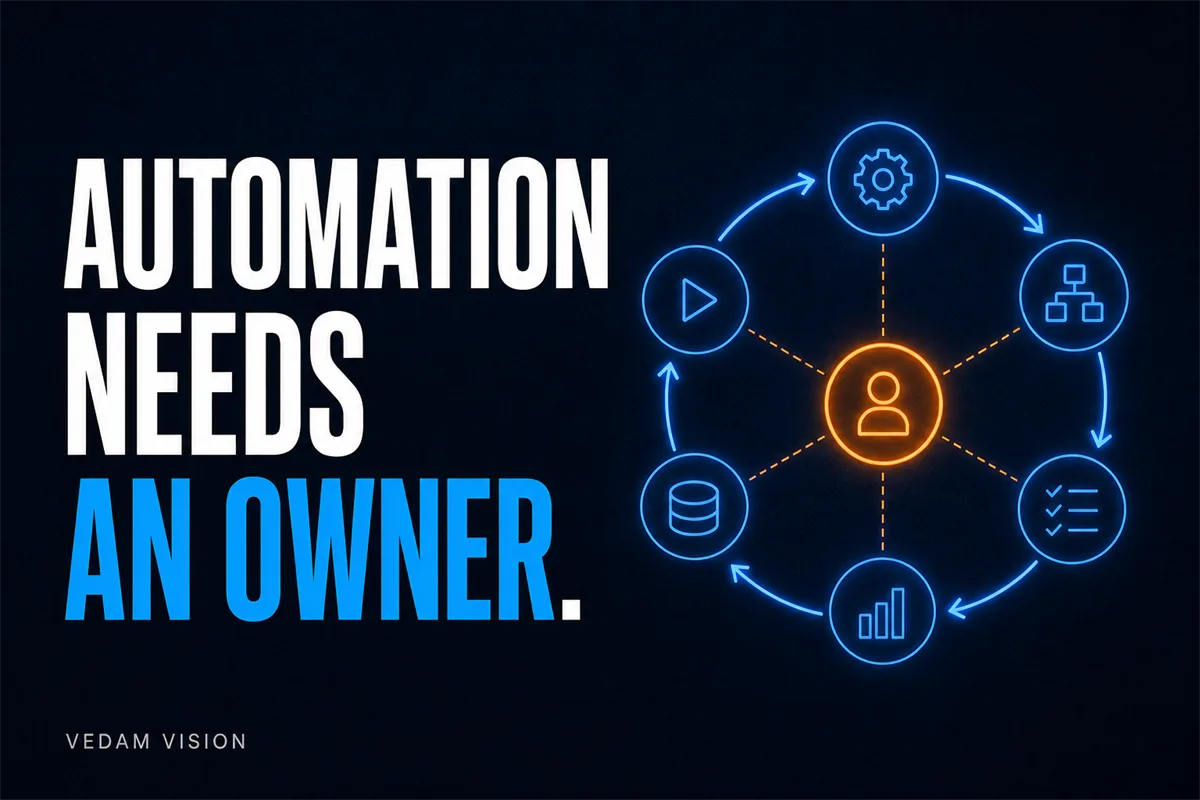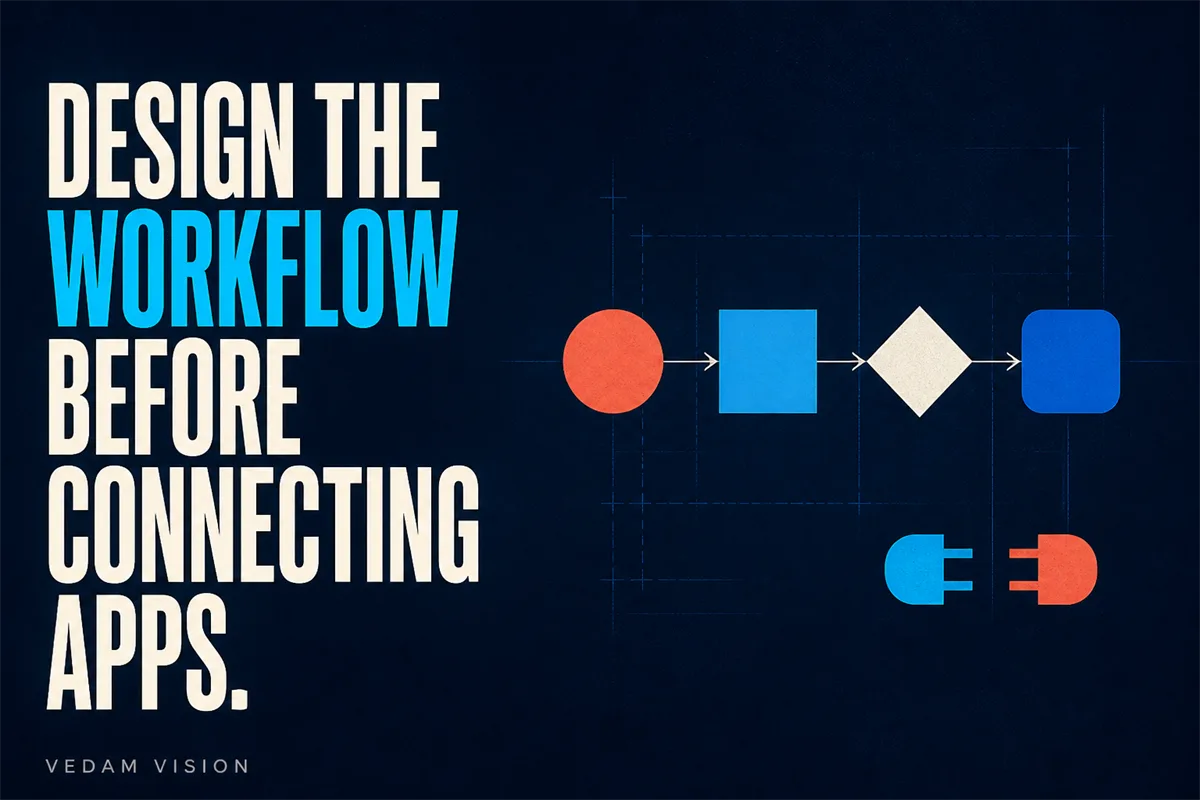
Quick answer: Before connecting another app, document the trigger, required inputs, source of truth, normal path, exceptions, permissions, human approvals, monitoring, recovery, and owner. If any of those are unclear, adding a connector will multiply ambiguity.
A connector makes information move. It does not decide whether the information is correct, whether the action is authorised, or who responds when the flow stops. Those decisions belong in the workflow before anyone opens an integration screen.
A useful checklist protects the team from a familiar pattern: a quick automation works for normal cases, quietly fails on exceptions, and becomes a hidden dependency that only its creator understands.
Use this checklist as a design review. Keep the first version small enough to explain on one page. Complexity should be earned by observed exceptions, not imagined possibilities.
A practical working model
The model below turns workflow automation checklist into a sequence that founders can inspect, assign, and improve. Use it as a conversation guide, then adapt the detail to the consequence, volume, and maturity of the work.
1. Name the business outcome
What to do: State the customer or operating result the workflow must produce. Why it matters: An outcome prevents tool activity from becoming the goal.
Guardrail: Use a result that a process owner can verify. This boundary keeps the work useful when a normal case changes or a person needs to exercise judgement. Evidence to keep: Outcome, owner, measure, and review date.
2. Define one trigger
What to do: Choose the event that starts the workflow and define what counts as valid. Why it matters: Ambiguous triggers create duplicates and false starts.
Guardrail: Distinguish event time from the time a system notices the event. This boundary keeps the work useful when a normal case changes or a person needs to exercise judgement. Evidence to keep: Trigger ID, source, received time, and validation result.
3. Choose the source of truth
What to do: Decide which system owns each important field and which systems receive copies. Why it matters: Conflicting records make automation unreliable and reporting untrustworthy.
Guardrail: Do not allow every connected app to overwrite master data. This boundary keeps the work useful when a normal case changes or a person needs to exercise judgement. Evidence to keep: Field owner, allowed writer, and last update source.
4. Write the normal path
What to do: Describe the smallest successful path from trigger to confirmed completion. Why it matters: A simple path makes testing and ownership possible.
Guardrail: Do not add rare branches until the basic path is stable. This boundary keeps the work useful when a normal case changes or a person needs to exercise judgement. Evidence to keep: Step result, responsible system, and completion evidence.
5. Design exception handling
What to do: List invalid input, missing data, unavailable systems, permission errors, and business exceptions. Why it matters: Exceptions are where hidden manual work and customer confusion accumulate.
Guardrail: Send failed items to an owned queue, not a private inbox. This boundary keeps the work useful when a normal case changes or a person needs to exercise judgement. Evidence to keep: Exception type, item, owner, age, and resolution.
6. Set permissions and approvals
What to do: Give each connection only the access it needs and keep consequential decisions with an authorised approver. Why it matters: Automation can move quickly, including in the wrong direction.
Guardrail: Separate builder access, operator access, and approval authority. This boundary keeps the work useful when a normal case changes or a person needs to exercise judgement. Evidence to keep: Connection owner, credential review date, and approval log.
7. Plan monitoring and recovery
What to do: Define alerts, log review, retry limits, manual fallback, and safe restart. Why it matters: A workflow is an operating system, not a one-time build.
Guardrail: Avoid infinite retries and duplicate actions after recovery. This boundary keeps the work useful when a normal case changes or a person needs to exercise judgement. Evidence to keep: Run ID, outcome, duration, error, retry, and recovery record.
Questions to answer before implementation
Do not rush through these questions. A short written answer creates a shared decision record and reveals where the proposed process still depends on assumptions or personal memory.
- What starts the flow? Write a testable event, not a vague phrase such as when a lead is ready. Record the answer, owner, and any evidence that would change it.
- What must be true before action? Validation rules stop incomplete or unauthorised data from travelling further. Record the answer, owner, and any evidence that would change it.
- Which action is irreversible? Irreversible steps need approval, confirmation, or a compensating control. Record the answer, owner, and any evidence that would change it.
- Where will exceptions wait? An owned queue makes hidden work visible and measurable. Record the answer, owner, and any evidence that would change it.
- How will someone know it failed? Logs are not enough if nobody reviews or receives an alert. Record the answer, owner, and any evidence that would change it.
- Can the team complete the work manually? A documented fallback protects the business during outages and maintenance. Record the answer, owner, and any evidence that would change it.
Run a focused working session
Print the checklist and walk through one real item. Ask the process owner to narrate each decision while the builder records systems and data. Any phrase beginning with usually, unless, or it depends should become an explicit rule or exception.
End with a go, revise, or stop decision. A revise decision should identify the missing owner, rule, permission, or fallback. A stop decision is useful when the process is too rare, too unstable, or too risky to automate now.
Close the session with three artefacts: the current decision, the named owner, and the date when evidence will be reviewed. If the team leaves with only more ideas, the session has not yet changed the operating system.
Limitations and tradeoffs
Every framework simplifies reality. Apply this one in proportion to the risk and avoid turning a useful control into unnecessary ceremony.
- No checklist can replace legal, contractual, security, or privacy review where those duties apply. Review this condition when the process, customer promise, team, tool, or jurisdiction changes.
- A sandbox test does not prove production reliability under real volume and permissions. Review this condition when the process, customer promise, team, tool, or jurisdiction changes.
- Connected apps can change authentication, quotas, and field behaviour. Review this condition when the process, customer promise, team, tool, or jurisdiction changes.
- The team needs a retirement plan when a workflow, owner, or source system changes. Review this condition when the process, customer promise, team, tool, or jurisdiction changes.
How to judge whether it is working
A ready workflow can be explained by someone other than its builder. The team can show what starts it, what correct completion looks like, where errors appear, who owns recovery, and how to work safely without it.
Review both the intended outcome and the exceptions. A process can look faster while shifting work to another person, creating risk, or making the customer experience less clear. Keep the measures small, definitions visible, and interpretation human.
Turn the framework into an operating habit
A framework becomes valuable when it survives the first workshop. Put the current version where the work happens, name the person who maintains it, and choose a review rhythm that matches the consequence. For founders, the aim is not to inspect every action. The aim is to notice when assumptions, inputs, ownership, or customer needs have changed enough to require a decision.
Begin with a small live sample and keep a short decision log. Record what the team expected, what actually happened, which exception appeared, and what changed as a result. This creates evidence for improving workflow automation checklist without turning every unusual case into a permanent rule. If a control adds effort but never changes a decision, simplify or remove it.
Share the latest version with everyone affected by the workflow, including the people who receive its output. Their questions often reveal unclear handoffs, missing context, or safeguards that exist on paper but not in daily work. Capture those observations before the next review so improvement is based on evidence rather than memory.
- Review Name the business outcome: confirm that its owner, evidence, boundary, and next action are still current before expanding the system.
- Review Define one trigger: confirm that its owner, evidence, boundary, and next action are still current before expanding the system.
- Review Choose the source of truth: confirm that its owner, evidence, boundary, and next action are still current before expanding the system.
- Review Write the normal path: confirm that its owner, evidence, boundary, and next action are still current before expanding the system.
Useful Vedam Vision resources
Explore our services overview, website design and development, portfolio, and case studies. You can also review the Vedam Vision process, browse the Vedam Vision blog, request a free audit, or use the contact page.
A practical next step
If your automation map contains more app logos than business rules, send Vedam Vision the current flow. We can help simplify the trigger, source of truth, exceptions, approval, and monitoring before another connection is added.
Start with one real situation, not a hypothetical transformation. Bring the current artefacts, the people who do the work, and the exceptions that cause the most delay. The first useful change is usually smaller and clearer than the tool list suggests.