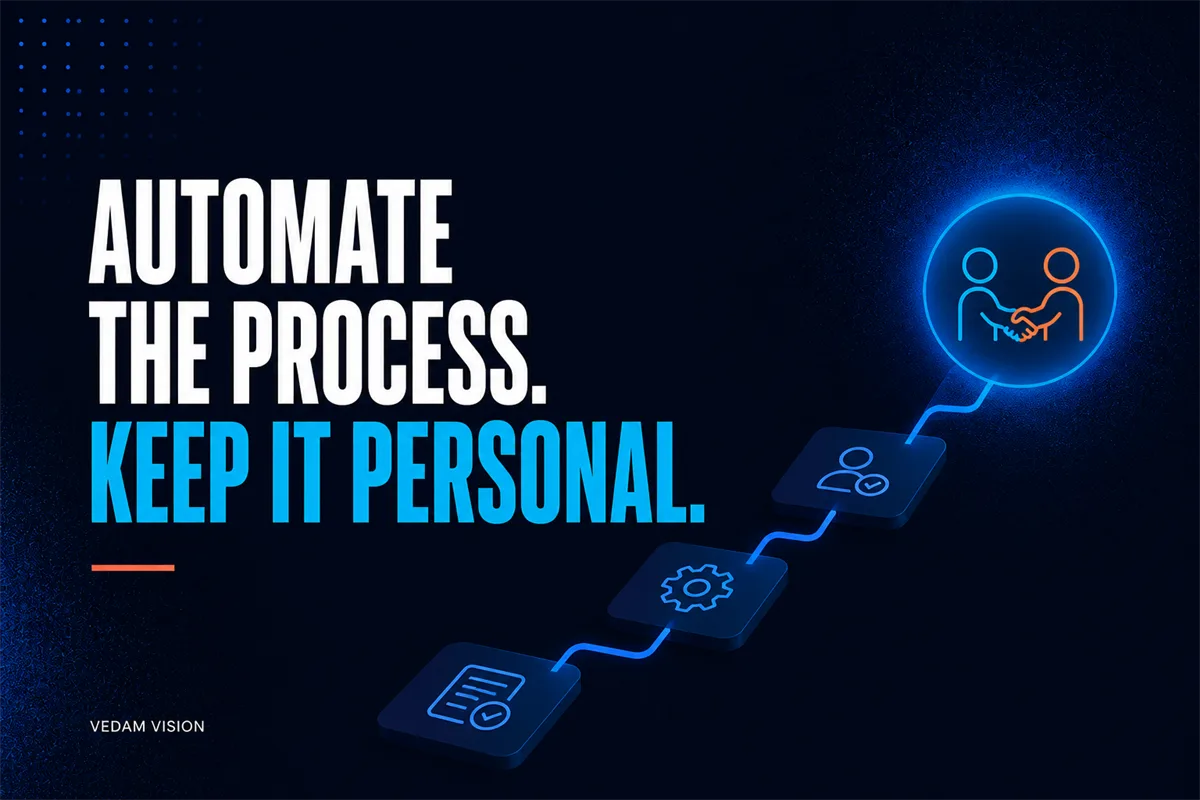
Quick answer: Automate the predictable logistics, not the relationship. Use automation for confirmed handoffs, forms, document requests, reminders, workspace setup, and progress visibility, while a named person welcomes the client, interprets context, and owns exceptions.
A client can tell when onboarding is organised, and can also tell when nobody appears to be listening. The answer is not to choose between efficiency and care. It is to separate repeatable logistics from moments that require judgement, reassurance, or a real conversation.
Good onboarding reduces uncertainty on both sides. The client knows what happens next, what information is needed, who to contact, and when work can begin. The team receives usable inputs without chasing scattered messages.
Map the experience from signed agreement to first meaningful delivery. For each step, decide whether technology should send, collect, create, remind, or simply make the human owner more prepared.
A practical working model
The model below turns client onboarding automation into a sequence that service teams can inspect, assign, and improve. Use it as a conversation guide, then adapt the detail to the consequence, volume, and maturity of the work.
1. Confirm the commercial trigger
What to do: Start only from the agreed approval event, such as a signed agreement and required payment state. Why it matters: A clean trigger prevents premature workspaces and confusing welcome messages.
Guardrail: Do not infer approval from an informal chat. This boundary keeps the work useful when a normal case changes or a person needs to exercise judgement. Evidence to keep: Agreement reference, account, owner, and start condition.
2. Send a human welcome
What to do: Assign a named contact to send or approve a short welcome that reflects the client goal. Why it matters: The first message establishes trust and shows that context travelled with the handoff.
Guardrail: Avoid pretending an automated message is personally typed. This boundary keeps the work useful when a normal case changes or a person needs to exercise judgement. Evidence to keep: Welcome owner, send time, reply path, and client goal.
3. Collect only useful information
What to do: Use a structured form for inputs the team will actually use, with clear labels and reasons. Why it matters: Focused requests reduce client effort and improve the quality of delivery inputs.
Guardrail: Do not collect sensitive data without a defined need and appropriate control. This boundary keeps the work useful when a normal case changes or a person needs to exercise judgement. Evidence to keep: Field purpose, required status, validation, and retention owner.
4. Create the workspace
What to do: Generate the approved folder, project board, communication channel, and standard checklist. Why it matters: A consistent workspace reduces setup errors and helps the team find the latest information.
Guardrail: Use permissions based on role and confirm external access before inviting users. This boundary keeps the work useful when a normal case changes or a person needs to exercise judgement. Evidence to keep: Template version, created resources, access list, and owner.
5. Set expectations visibly
What to do: Show milestones, responsibilities, review points, response expectations, and change process in plain language. Why it matters: Clarity feels personal because it respects client time and reduces avoidable anxiety.
Guardrail: Do not publish dates that delivery has not confirmed. This boundary keeps the work useful when a normal case changes or a person needs to exercise judgement. Evidence to keep: Milestone, owner, dependency, and agreed review point.
6. Use thoughtful reminders
What to do: Send reminders based on the work state and stop them immediately when the requirement is complete. Why it matters: Context-aware reminders help without making the client feel chased by a machine.
Guardrail: Limit frequency and provide a human reply route. This boundary keeps the work useful when a normal case changes or a person needs to exercise judgement. Evidence to keep: Reminder rule, state checked, send result, and response.
7. Escalate exceptions to a person
What to do: Route missing, contradictory, sensitive, or emotional situations to the onboarding owner. Why it matters: A human can interpret context that a rules-based flow should not guess.
Guardrail: Never let a failed automation look like client silence. This boundary keeps the work useful when a normal case changes or a person needs to exercise judgement. Evidence to keep: Exception reason, owner, contact action, and resolution.
Questions to answer before implementation
Do not rush through these questions. A short written answer creates a shared decision record and reveals where the proposed process still depends on assumptions or personal memory.
- Which moment should feel unmistakably human? Protect the welcome, discovery, reassurance, and difficult conversations from unnecessary automation. Record the answer, owner, and any evidence that would change it.
- What information changes delivery? Ask only for inputs with a clear downstream use. Record the answer, owner, and any evidence that would change it.
- Who owns the client after the handoff? One visible owner prevents the client from navigating internal departments. Record the answer, owner, and any evidence that would change it.
- What happens when the client cannot complete a step? Alternative routes support accessibility, availability, and different working styles. Record the answer, owner, and any evidence that would change it.
- When do reminders stop? State-aware stopping rules prevent duplicate and embarrassing messages. Record the answer, owner, and any evidence that would change it.
- How will the team learn from onboarding? Review friction, missing context, and exceptions after the first delivery milestone. Record the answer, owner, and any evidence that would change it.
Run a focused working session
Walk through the onboarding as if you were a new client using only the messages and links they receive. Note every point where the client must guess what to do, repeat information, or wait without confirmation. Those are design problems, not just automation opportunities.
Then walk through the same journey as the delivery team. Check whether each collected field reaches the person who needs it and whether the latest approved document is easy to find. Remove any automated step that creates information without a clear user.
Close the session with three artefacts: the current decision, the named owner, and the date when evidence will be reviewed. If the team leaves with only more ideas, the session has not yet changed the operating system.
Limitations and tradeoffs
Every framework simplifies reality. Apply this one in proportion to the risk and avoid turning a useful control into unnecessary ceremony.
- High-value, complex, distressed, or unusual engagements may require more direct human onboarding. Review this condition when the process, customer promise, team, tool, or jurisdiction changes.
- Accessibility and language needs can make a single standard form unsuitable. Review this condition when the process, customer promise, team, tool, or jurisdiction changes.
- Automated workspace creation can expose information if permissions are copied carelessly. Review this condition when the process, customer promise, team, tool, or jurisdiction changes.
- A polished welcome flow cannot compensate for unclear scope or poor delivery ownership. Review this condition when the process, customer promise, team, tool, or jurisdiction changes.
How to judge whether it is working
The client feels guided rather than processed. The team starts with the right context, repeated questions fall, exceptions reach a person quickly, and every automated message matches the actual state of work.
Review both the intended outcome and the exceptions. A process can look faster while shifting work to another person, creating risk, or making the customer experience less clear. Keep the measures small, definitions visible, and interpretation human.
Turn the framework into an operating habit
A framework becomes valuable when it survives the first workshop. Put the current version where the work happens, name the person who maintains it, and choose a review rhythm that matches the consequence. For service teams, the aim is not to inspect every action. The aim is to notice when assumptions, inputs, ownership, or customer needs have changed enough to require a decision.
Begin with a small live sample and keep a short decision log. Record what the team expected, what actually happened, which exception appeared, and what changed as a result. This creates evidence for improving client onboarding automation without turning every unusual case into a permanent rule. If a control adds effort but never changes a decision, simplify or remove it.
Share the latest version with everyone affected by the workflow, including the people who receive its output. Their questions often reveal unclear handoffs, missing context, or safeguards that exist on paper but not in daily work. Capture those observations before the next review so improvement is based on evidence rather than memory.
- Review Confirm the commercial trigger: confirm that its owner, evidence, boundary, and next action are still current before expanding the system.
- Review Send a human welcome: confirm that its owner, evidence, boundary, and next action are still current before expanding the system.
- Review Collect only useful information: confirm that its owner, evidence, boundary, and next action are still current before expanding the system.
- Review Create the workspace: confirm that its owner, evidence, boundary, and next action are still current before expanding the system.
Useful Vedam Vision resources
Explore our services overview, website design and development, portfolio, and case studies. You can also review the Vedam Vision process, browse the Vedam Vision blog, request a free audit, or use the contact page.
A practical next step
If your onboarding involves copied emails, repeated questions, and silent waiting, send Vedam Vision the current sequence. We can help separate logistics from human moments and design a flow your team can own.
Start with one real situation, not a hypothetical transformation. Bring the current artefacts, the people who do the work, and the exceptions that cause the most delay. The first useful change is usually smaller and clearer than the tool list suggests.