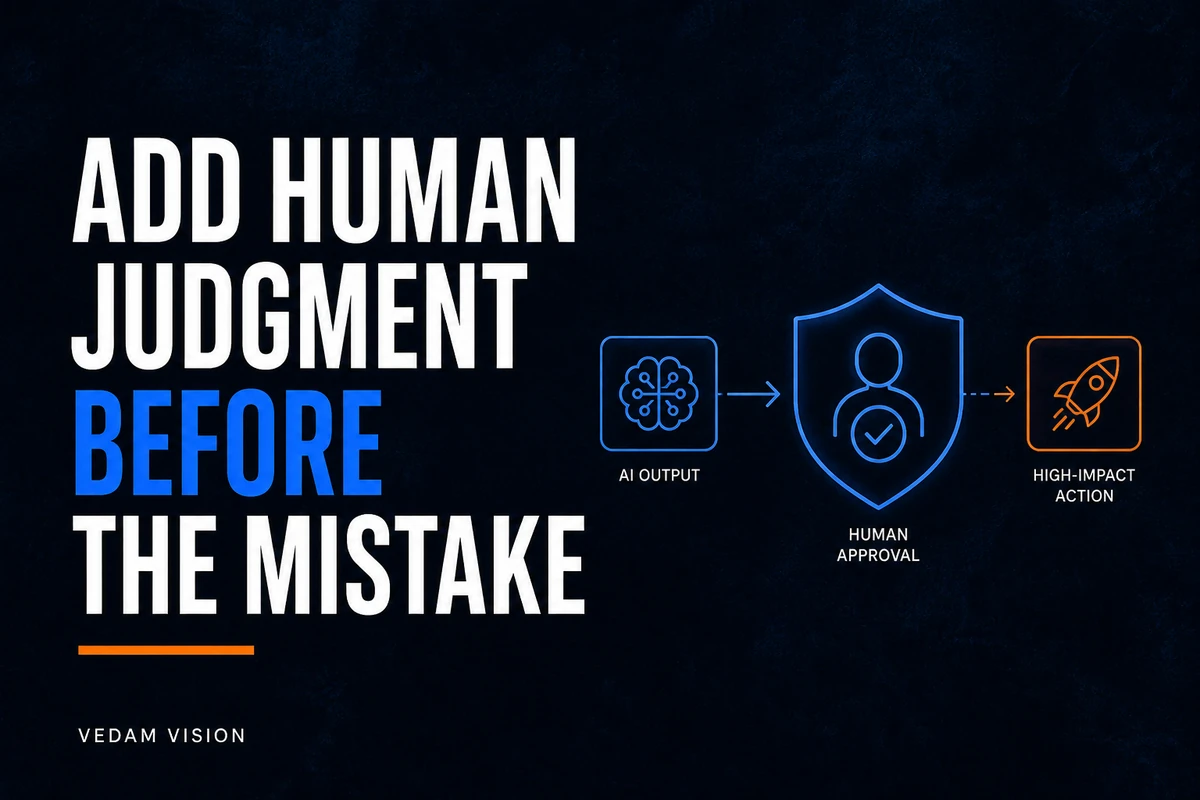
A human in the loop AI workflow is not a person added at the final click of a tool. It is a deliberate operating design: a clear task, permitted inputs, a named reviewer, a decision standard, an escalation route, and a way to stop or correct the work. That design matters because AI can produce fluent output even when the input is incomplete, the instruction is ambiguous, or the answer needs context it does not have. A useful workflow asks the tool to do bounded work and asks people to make the decisions that carry business, customer, legal, financial, or reputational consequence.
For a small business team, this does not require a large governance programme. It requires the discipline to decide where automation helps and where judgment must remain visible. Start with one workflow, such as turning approved notes into a draft client update or classifying incoming enquiries for a human to route. Do not start with a vague instruction to use AI everywhere. The aim is not to prove that the tool is clever. The aim is to make work easier to review, safer to repeat, and easier to improve.
The NIST AI Risk Management Framework Core frames AI risk work through govern, map, measure, and manage. It also makes an important practical point: the functions are not a fixed checklist. A team can apply them in a way that fits its resources and context. For an operating team, that means building a small review system around a real task rather than copying a policy from a larger company.
Start with a decision that is safe to bound
The best first workflow has a visible beginning and end. A marketing coordinator may need a first draft from already approved product facts. A service manager may need a summary of internal notes before a colleague checks it. An operations team may need a list of exceptions in a spreadsheet for a person to investigate. In each case, the AI output supports a person. It does not make the final promise, change a system of record, approve a payment, or send a sensitive response without review.
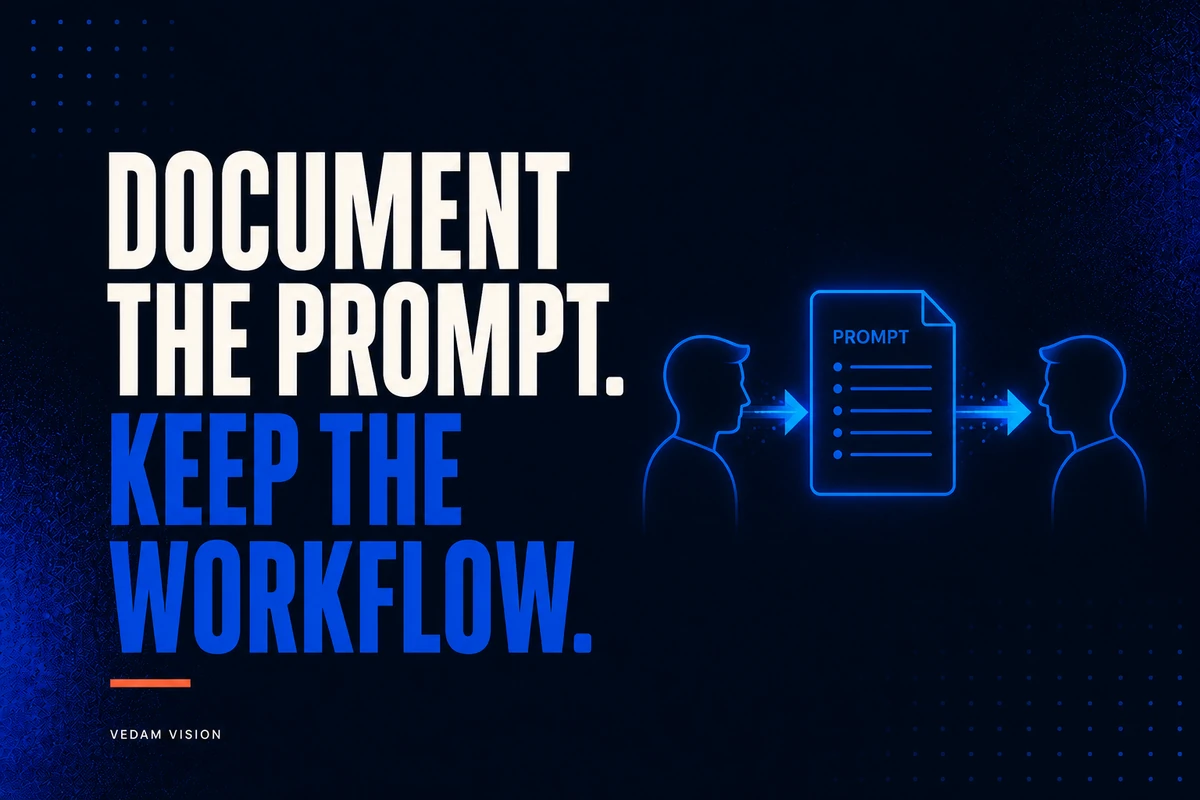
Write the task in plain language. Include the user, the input, the requested output, the action that follows, and the cost of an error. If the task cannot be described clearly, the workflow is not ready for automation. This short brief also gives a team a practical way to compare a proposed tool with the current process. It separates a real bottleneck from a general wish to be more productive.
Use a task brief before you design prompts
- What business task is being supported, and who is affected by the result?
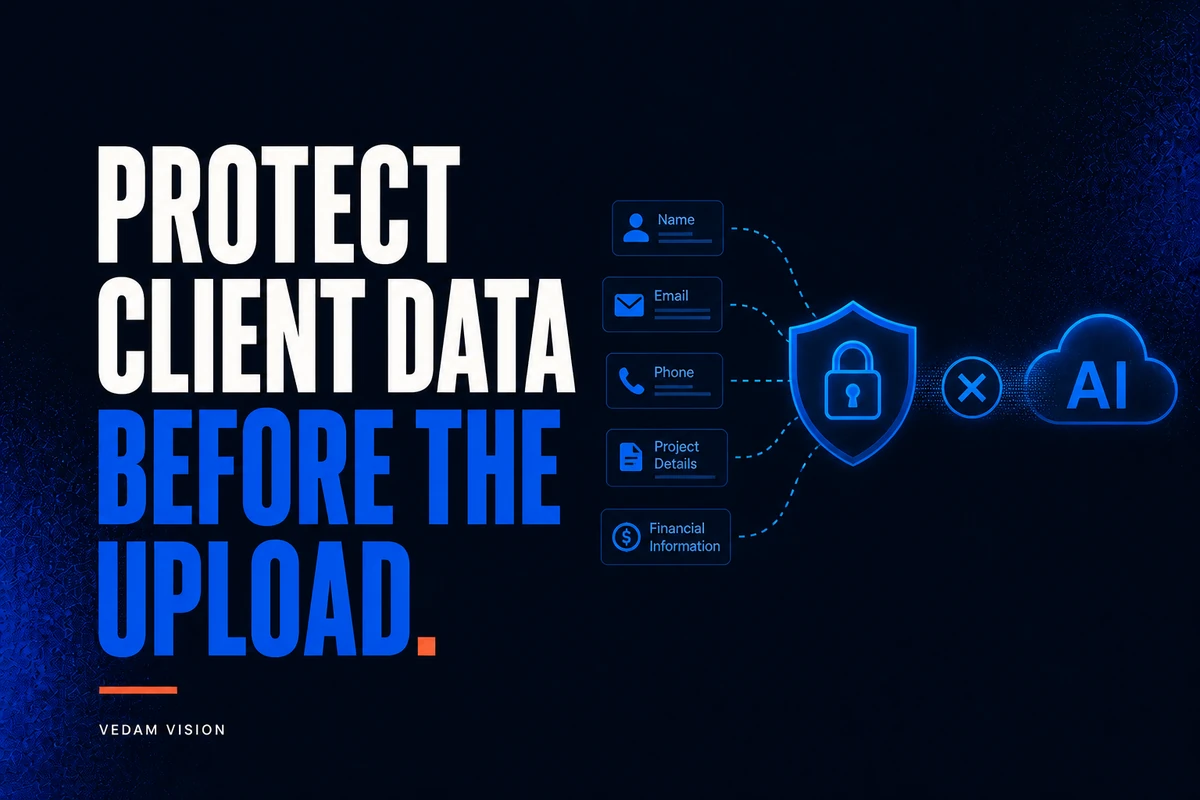
- Which inputs are allowed, and which information must stay out of the tool?
- What does an acceptable output look like, including tone, accuracy, format, and source traceability?
- Which person reviews the result, and what authority do they have to approve, edit, reject, or escalate it?
- What should the system do when it lacks information, finds conflicting inputs, or reaches an uncertain case?
- What evidence will tell the team to continue, change the design, pause it, or remove it?
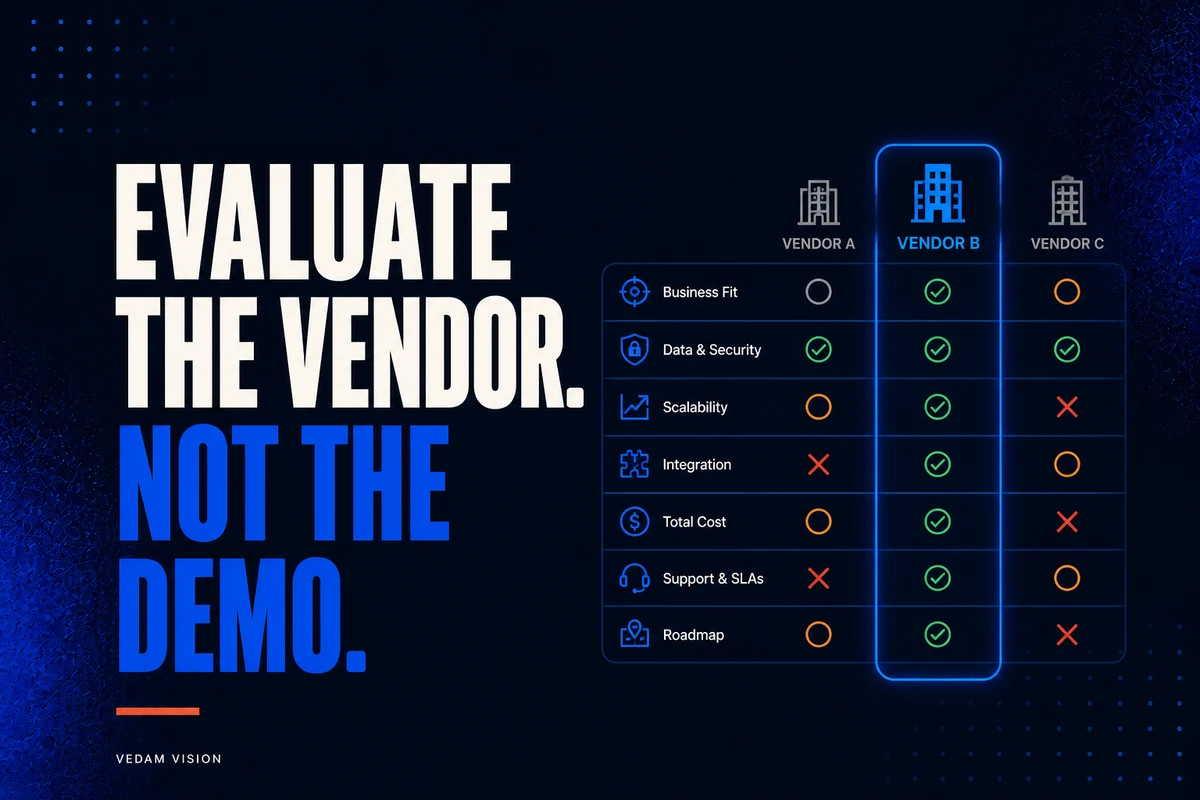
The questions may feel slower than opening a new AI workspace. They save time later because everyone knows what the tool is allowed to do. They also make a useful Vedam Vision process possible: define the problem, plan the workflow, make the work, check it, and learn from the result. Without that sequence, a team can end up with impressive drafts but no repeatable way to decide whether they are fit to use.
Place human review where the risk actually sits
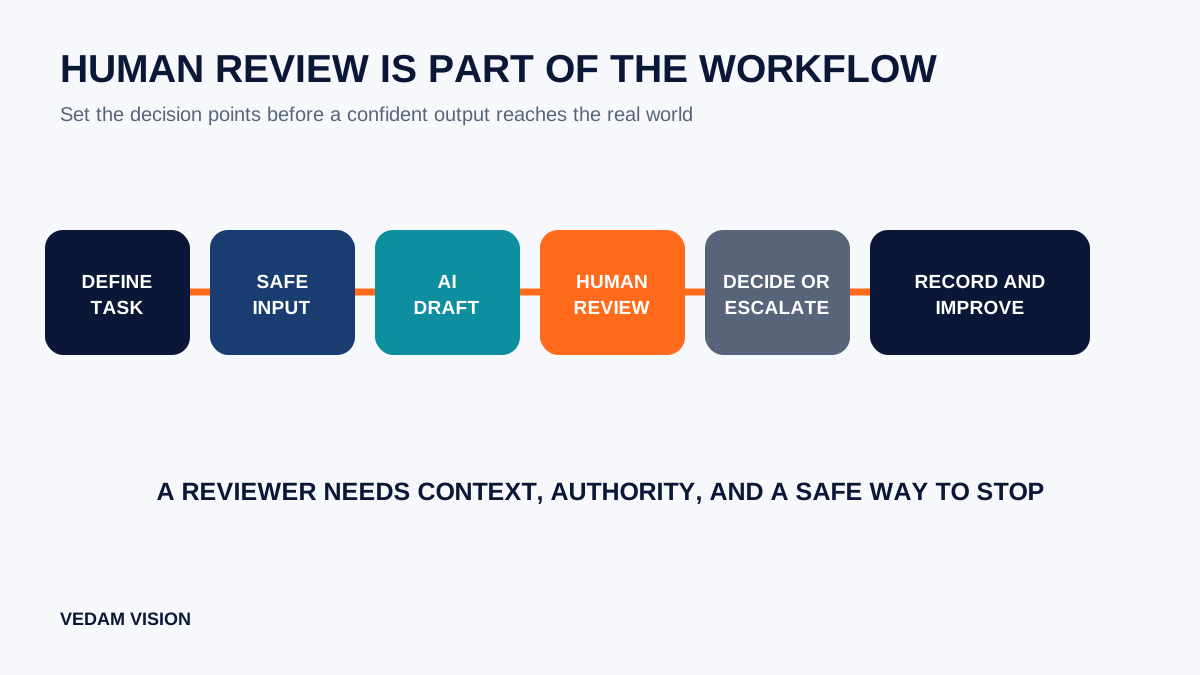
Many teams put a reviewer at the end because it seems simple. Sometimes that is correct. Often the more important review happens earlier. A person may need to approve the source material before it is entered, choose which customer segment may be processed, or set the criteria the output must meet. Review after generation cannot fix an unsafe input, a missing permission, or an instruction that asks the model to guess.
Look at the workflow in stages: preparation, instruction, generation, review, action, and follow-up. For each stage, ask who owns it and what could fail. Preparation may need data minimisation. The instruction may need a fixed template. Generation may need a tool setting that prevents direct sending. Review may need a checklist. Action may need a second approval if it changes pricing, a contract, a customer record, or a public statement. Follow-up may need a way to capture a failure so it does not become invisible.
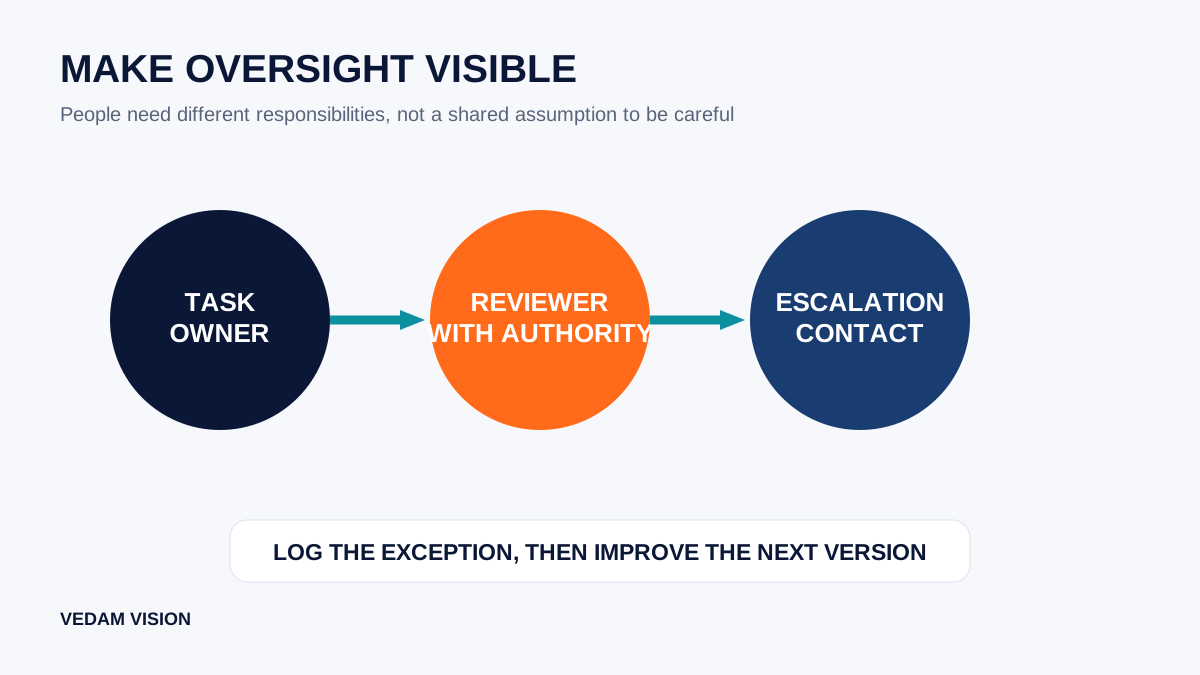
NIST's guidance on governance practices calls for clear roles, responsibilities, communication, monitoring, and documentation. A small team can translate that into a short operating note. Name the workflow owner, reviewer, escalation contact, and review cadence. The point is accountability, not paperwork. When an output is wrong, the team should know who can stop the workflow and how the next version will change.
Give reviewers an actual standard, not a vague instruction
“Check it before sending” is not a standard. It leaves each reviewer to decide what careful means on a busy day. A better review guide lists the checks that match the task. For a client update, that might include factual support, promised next steps, names, dates, confidential details, tone, and whether the message answers the question. For a marketing draft, it may include offer accuracy, evidence for claims, accessibility, brand language, and links. For an internal summary, it may include missing actions, competing facts, and the source records behind the summary.
Keep the standard proportionate. Not every internal draft needs two approvers. Not every customer-facing answer needs a committee. Risk rises when the output affects someone outside the team, creates an obligation, uses restricted information, or can be acted on without an obvious correction. As the risk rises, add a stronger reviewer, a more explicit evidence check, or a second decision point. If the task is low risk and reversible, a trained owner may be enough.
Build honest uncertainty into the workflow
An AI tool should be allowed to say it cannot tell. In practice, this means adding instructions such as “identify missing information,” “do not make up a source,” or “route this to a named reviewer when the evidence conflicts.” It also means designing the surrounding process so that uncertainty has somewhere to go. If the only available button is send, people will be tempted to treat a polished answer as complete.
Use examples and edge cases during setup. Test a normal input, a thin input, a contradictory input, an out-of-scope request, and a case where the right response is to ask a follow-up question. Do not call the workflow ready because it produces a good result once. A useful test asks whether a reviewer can spot failure, explain the reason, and handle it without improvising a new process every time.
Keep a lightweight record that makes improvement possible
A record does not have to be a complex dashboard. For a small team, a shared log can capture the task version, instruction version, review result, recurring error, and decision made. This helps a team notice whether the same type of problem returns. It also prevents useful judgment from leaving with one employee. If the workflow changes, record why: a new input source, a different reviewer, a change in tool behaviour, or a lesson from an exception.
Look for patterns rather than chasing a perfect score. Are reviewers repeatedly rewriting a particular section? Are they blocking outputs because the source material is weak? Are requests arriving outside the workflow's stated scope? These are design signals. The solution may be a better input form, clearer prompt instructions, narrower use, staff training, or a decision that this task should remain manual.
This is also where AI solutions and automation work should stay grounded in the current business process. Automation is valuable when it reduces friction while preserving a clear owner and an honest view of limitations. It is not valuable when it hides bad inputs, creates a parallel process, or turns review into a silent cleanup job.
Know the limits of a human-in-the-loop design
Human review is not a guarantee. A reviewer can be rushed, undertrained, or presented with an output that looks more certain than it is. A team may also create a false sense of control by asking one person to scan too much material. The answer is not to remove people. It is to make their job feasible: narrow the AI task, show the relevant source material, define escalation, and monitor the types of errors that matter.
Some uses need more than an internal workflow. Legal, medical, financial, employment, safety, and regulated decisions can carry obligations that this article cannot assess. Seek qualified advice and use controls that match the domain. If a tool has access to sensitive data or can take actions in connected systems, review its permissions and failure modes before deployment. A workflow that is safe for a content draft may be unsuitable for a customer decision.
Run a small pilot, then decide deliberately
Choose one team, one use case, a limited set of inputs, and a named review period. Before beginning, agree on what you will observe: quality of output, review effort, exceptions, staff confidence, and whether the original business problem is reduced. At the end, decide whether to continue, adjust, expand cautiously, pause, or stop. Do not let a temporary experiment become a permanent process without that review.
If the work reveals a broader process problem, start there. A clearer brief, a stronger content source, or a better handoff may deliver more value than another AI feature. The wider Vedam Vision services approach can help connect the workflow to your website, marketing, design, and operations instead of treating automation as an isolated purchase.
Conclusion: make judgment visible
A human in the loop AI workflow works when the people involved can see what the tool is doing, what it is not allowed to do, and how to respond when the result is uncertain. Define the task, set safe boundaries, put review at the real risk points, give reviewers a usable standard, and retain a small record of lessons. Those choices will not make every output correct. They make confident mistakes easier to catch before they become business problems.
For a practical starting conversation, request a free digital audit or contact Vedam Vision with the workflow you want to improve. Bring one real task, the current handoffs, and the decision that must remain human. That is enough to start designing something the team can actually run.