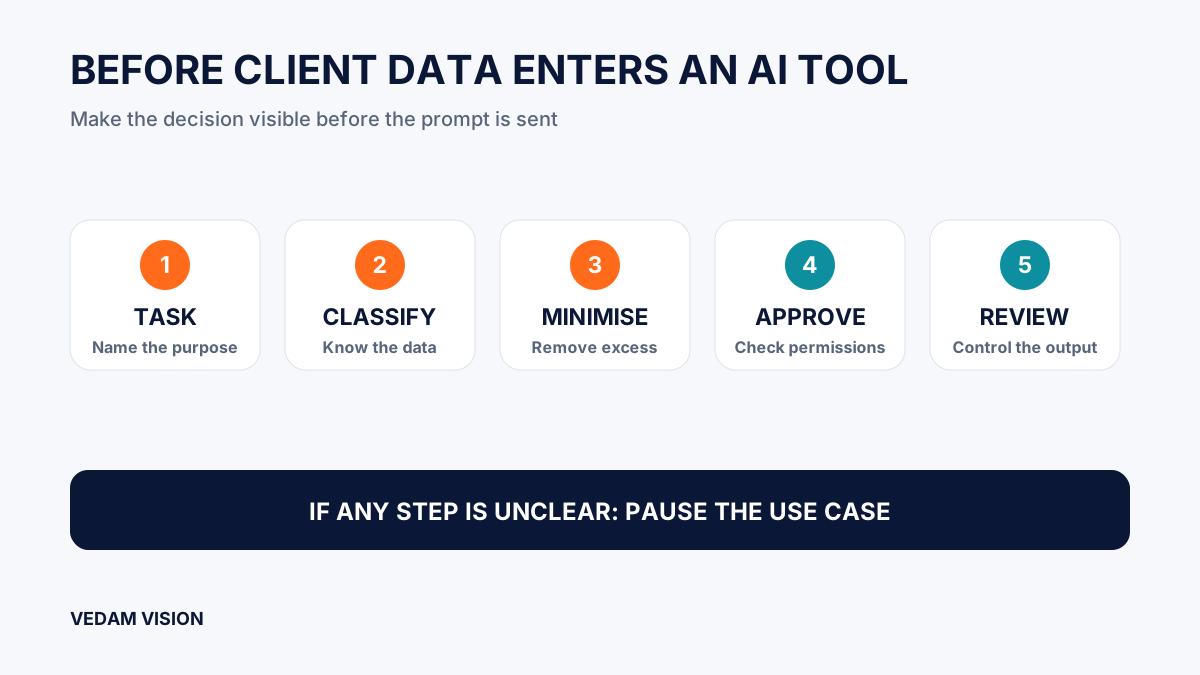
An AI data privacy checklist starts with a simple decision: do not put client information into an AI tool until you know exactly what will be shared, why the tool needs it, who can access it, where it may travel, and how the result will be used. For a small business, the safest default is to begin with the least sensitive information that can still complete the task. If a team cannot explain the data flow or obtain the necessary approval, it should pause the use case.
This is not a reason to avoid every AI-assisted task. It is a reason to separate a harmless drafting prompt from a workflow that contains names, contact details, contracts, financial records, unpublished strategy, support history, credentials, or data received in confidence. The convenience of a polished answer does not change the responsibility a business has to its clients.
The NIST Privacy Framework is a voluntary risk-management tool for protecting individuals' privacy. The NIST AI Risk Management Framework Core also treats governance, context, measurement, and management as connected work. A small team does not need to copy a large-company programme to use those ideas. It needs a repeatable way to make a good decision before a prompt is sent.
Begin with a data inventory, not the prompt box
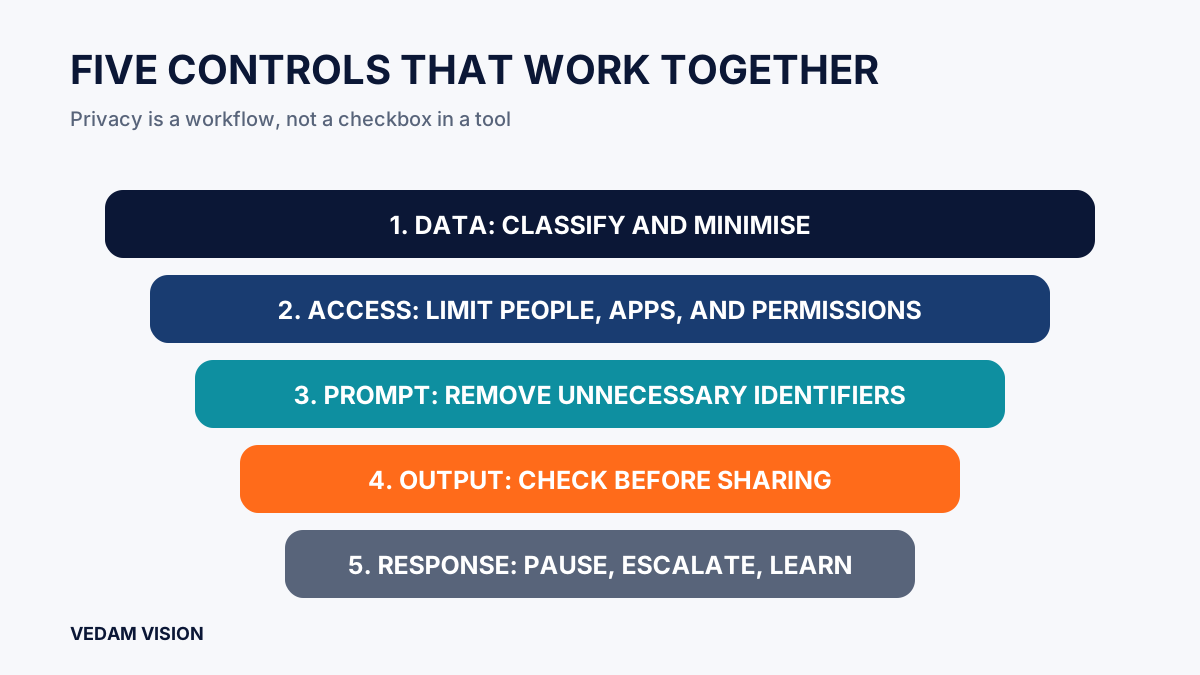
Before choosing a model or writing instructions, name the information involved. A useful inventory records the source, the people connected to it, the business purpose, the sensitivity, the permitted users, the approved destination, the retention expectation, and the owner who can approve its use. This takes far less time than trying to reconstruct a data trail after a problem.
Do not rely on broad labels such as “client file” or “marketing data.” A sales spreadsheet may contain names and phone numbers. A project brief may reveal product plans and budget assumptions. A support transcript may include account details or personal circumstances. A photo can carry visual information that a recipient did not expect to be reused. The details matter because controls should fit the actual data, not the folder name.
A practical first classification
- Public: material already approved for public release, such as published pages or a public brochure.
- Internal: operating notes, draft plans, and team information that are not public but are not client confidential.
- Client confidential: proposals, strategy, financial information, contracts, project records, and non-public communications.
- Personal or sensitive: information that identifies a person or could cause harm if disclosed, combined, or misused.
- Restricted: credentials, payment data, secrets, regulated records, or information the business has explicitly agreed not to place in external tools.
Classification is a starting point, not legal advice. Contracts, sector rules, client instructions, and applicable law may set stricter limits. When those sources conflict, use the stricter control until an authorised decision-maker resolves the question.
Ask whether the tool truly needs the identifiable information
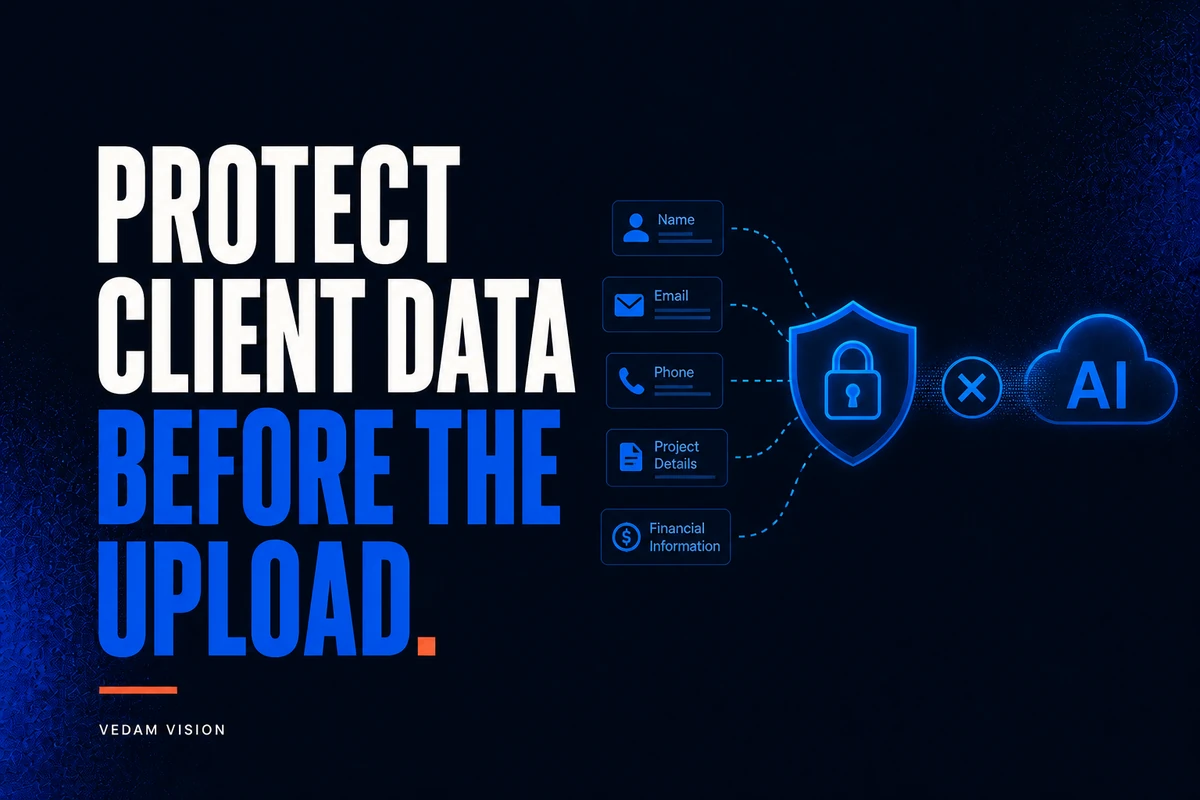
Most useful AI tasks do not need a complete client record. If the task is to improve the structure of a proposal, replace real names, account values, addresses, and project identifiers with neutral placeholders. If the task is to summarise a meeting, prepare a factual outline that removes unnecessary personal details before sharing it. If the task is to create marketing options, describe the audience and offer without uploading a customer list.
This is data minimisation in everyday business language: share the smallest amount of information needed for the stated purpose. It also improves judgement. A team that has to remove unnecessary details is more likely to notice that the prompt is asking for the wrong kind of help.
Do not assume that a partial identifier is harmless. Several ordinary fields can sometimes identify a person when combined. A rare job title, location, date, photograph, account reference, or unique circumstance may be enough. Treat de-identification as a useful risk reduction, not a guarantee that information can never be linked back to someone.
Check the provider, account, and product settings
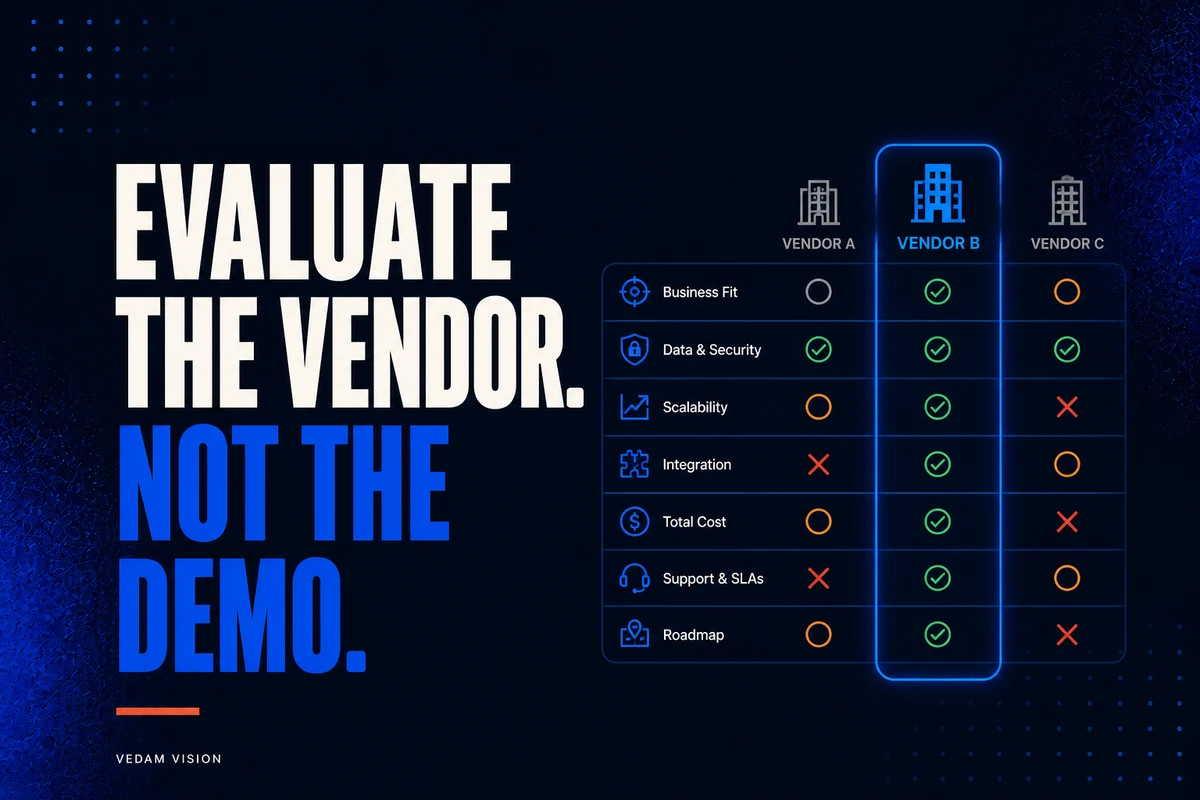
An AI tool is not one uniform thing. The account type, plan, workspace controls, connected applications, sharing settings, retention choices, training terms, administrator access, and regional options can change the risk. Review the specific product and account your team will use, not a general statement about the provider.
Document the answers to questions that affect the decision. Does the provider describe how prompts, files, outputs, and metadata are handled? Can an administrator manage access? Are integrations enabled? Is data used for product improvement under the selected plan? Can the team control retention or deletion? Which people can export, share, or connect the workspace? If an answer is material and unclear, obtain it from the provider's current documentation or do not use the information for that purpose.
This review belongs in the wider AI governance approach for Indian enterprises. Good governance is not a one-time policy document. It gives people a visible route for asking, approving, logging, and reviewing decisions as tools and work change.
Set purpose and permission before a person uploads anything
Every approved use should have a narrow purpose. “Use AI for client work” is too broad to guide a team. “Turn an approved, de-identified campaign brief into three draft headline directions for internal review” is clear enough to test and supervise. Purpose keeps a convenient tool from slowly becoming a destination for every document in the business.
Permission is separate from purpose. The project manager may want a tool to help, but the client agreement, internal policy, or data owner may not permit that use. Confirm the relevant authority before sharing confidential or personal information. Do not treat silence as approval, and do not ask a junior colleague to carry a decision that belongs with the account owner, security lead, or authorised manager.
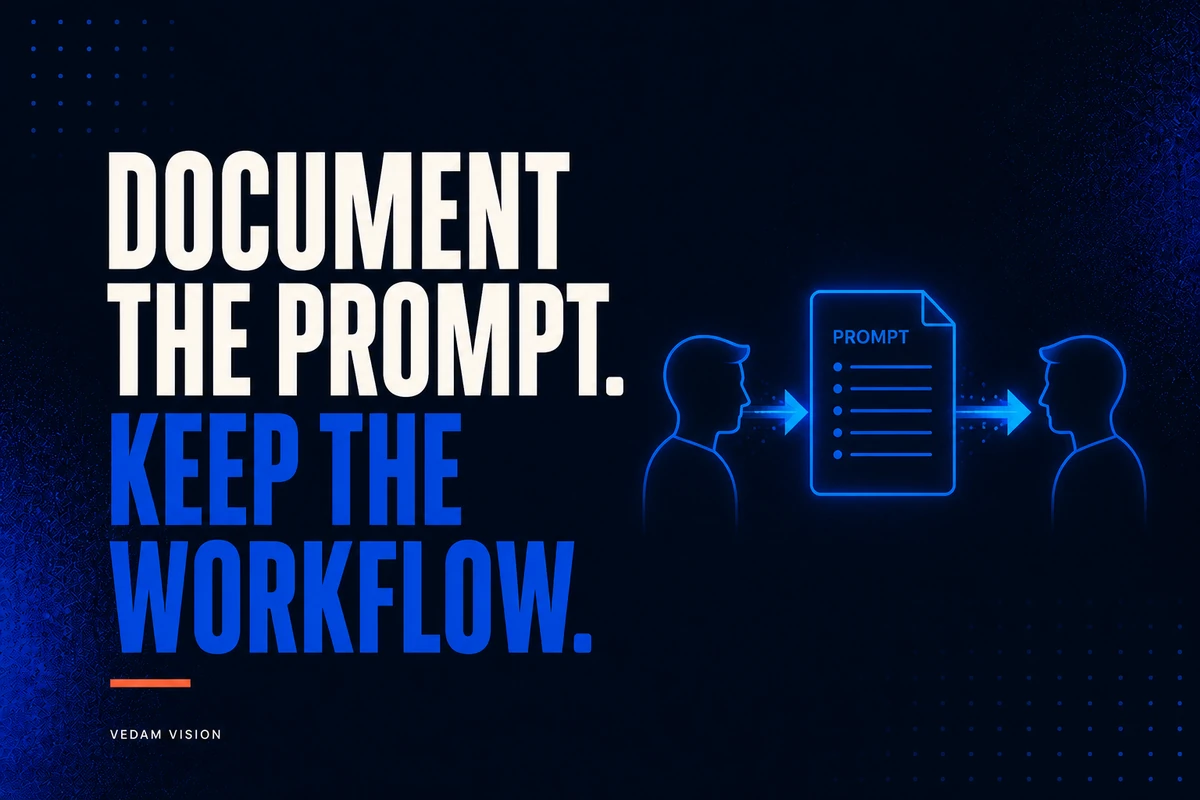
Record a lightweight approval note
- The task and the business benefit being sought.
- The data categories involved and what was removed or replaced.
- The approved tool, plan, workspace, and integrations.
- The contract, policy, or owner supporting the use.
- The allowed output, recipients, storage location, and retention expectation.
- The named person who can stop or escalate the workflow.
A simple record is often more useful than a complicated template that nobody completes. It provides continuity when staff change, helps reviewers understand what was intended, and makes a later incident easier to investigate honestly.
Keep confidential data out of connected actions by default
Risk rises when a tool can do more than produce a draft. An integration may retrieve files, read messages, update a customer record, send an email, publish content, or pass information to another service. The original prompt may look modest while the connected action affects many people or systems.
Start with read-only and least-privilege access. Limit the connected folders, records, and roles. Use test data where practical. Require a human check before an external message, record update, or publication. Make rollback and incident contacts clear. The AI solutions and automation service is relevant when a business needs to map those handoffs before automation reaches a live system.
Review the output before it is reused or shared
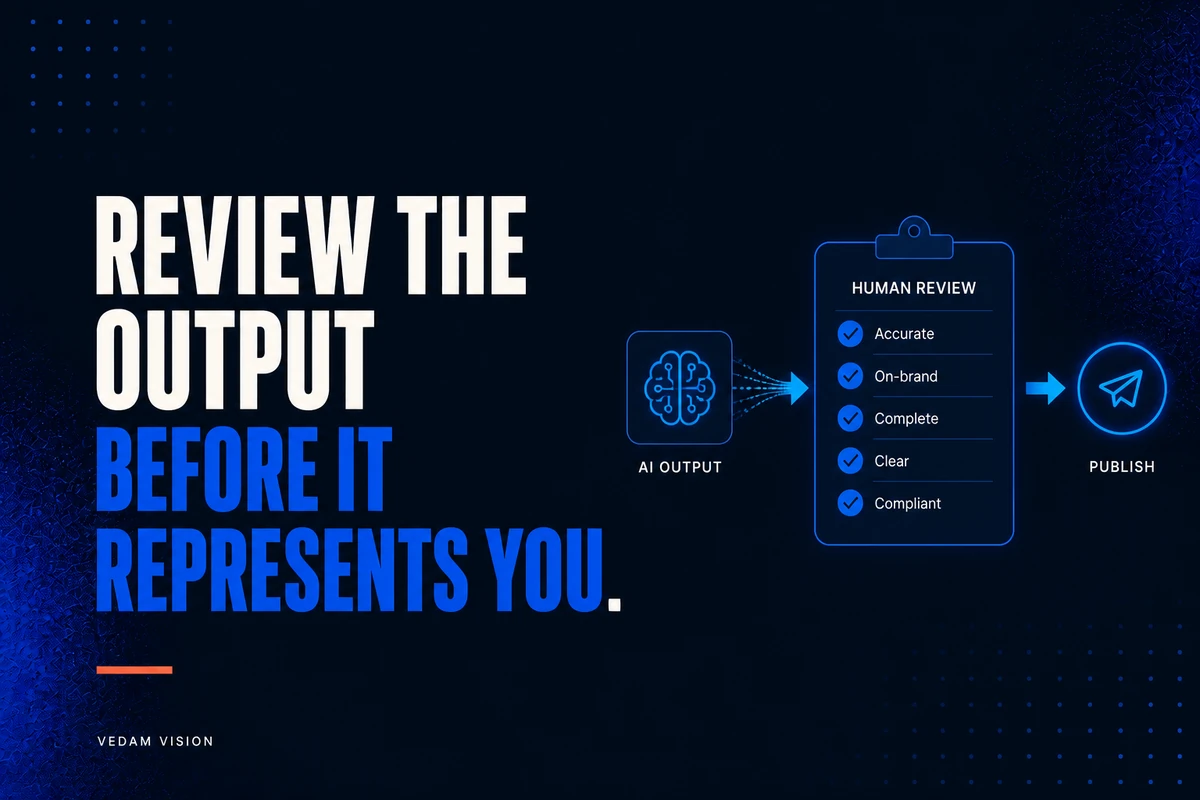
Privacy review does not end when the prompt is submitted. Check the output for details that should not appear in a customer email, website page, report, or shared document. A model can repeat sensitive information, combine facts in an unexpected way, or add a plausible but incorrect claim. The person who sends or publishes the result remains accountable for it.
Use an AI output review checklist that tests the brief, evidence, context, confidentiality, quality, and final accountability. Review must match consequence. A rough private outline deserves less scrutiny than an output that will influence a client decision, a financial action, or a customer relationship.
Know when the answer is “do not use this tool for this task”
Pause when the team cannot identify the data, cannot minimise it, cannot confirm permission, cannot understand the relevant product settings, cannot contain the downstream action, or cannot assign an accountable reviewer. Pause when a contract or client instruction prohibits the use. Pause when a staff member feels pressured to use a tool before the workflow is ready.
Stopping is a business control, not a failure of ambition. The right answer may be to use a smaller data set, a different approved product, a human-only process, or no AI at all. This judgement prevents a short-term productivity gain from becoming a trust problem.
Make the checklist part of normal operations
Teams adopt controls when they fit real work. Put the checklist beside the intake form, project brief, and tool request process. Train people on examples drawn from the actual categories they handle, without exposing client material. Review the policy after an incident, a new integration, a provider change, or a recurring point of confusion.
Also measure the whole workflow. Faster drafting is not a benefit if people spend more time removing data, correcting output, or resolving uncertainty afterwards. The AI ROI guide explains why total effort and risk management matter alongside generation speed.
Final AI data privacy checklist
- We know the task, purpose, data source, and accountable owner.
- We classified the information and removed what the tool does not need.
- We confirmed the client, contract, policy, and internal permission position.
- We reviewed the exact provider product, account, settings, access, and integrations.
- We limited access and do not allow unsupervised external actions.
- We reviewed the output before reuse, sharing, publication, or system entry.
- We know when to stop, escalate, and improve the workflow.
For a small business, a good AI data privacy checklist is not about creating fear around every new tool. It is about protecting the confidence a client has placed in you. If you need help turning these checks into a practical AI workflow, explore Vedam Vision services, request a free digital audit, or contact Vedam Vision.