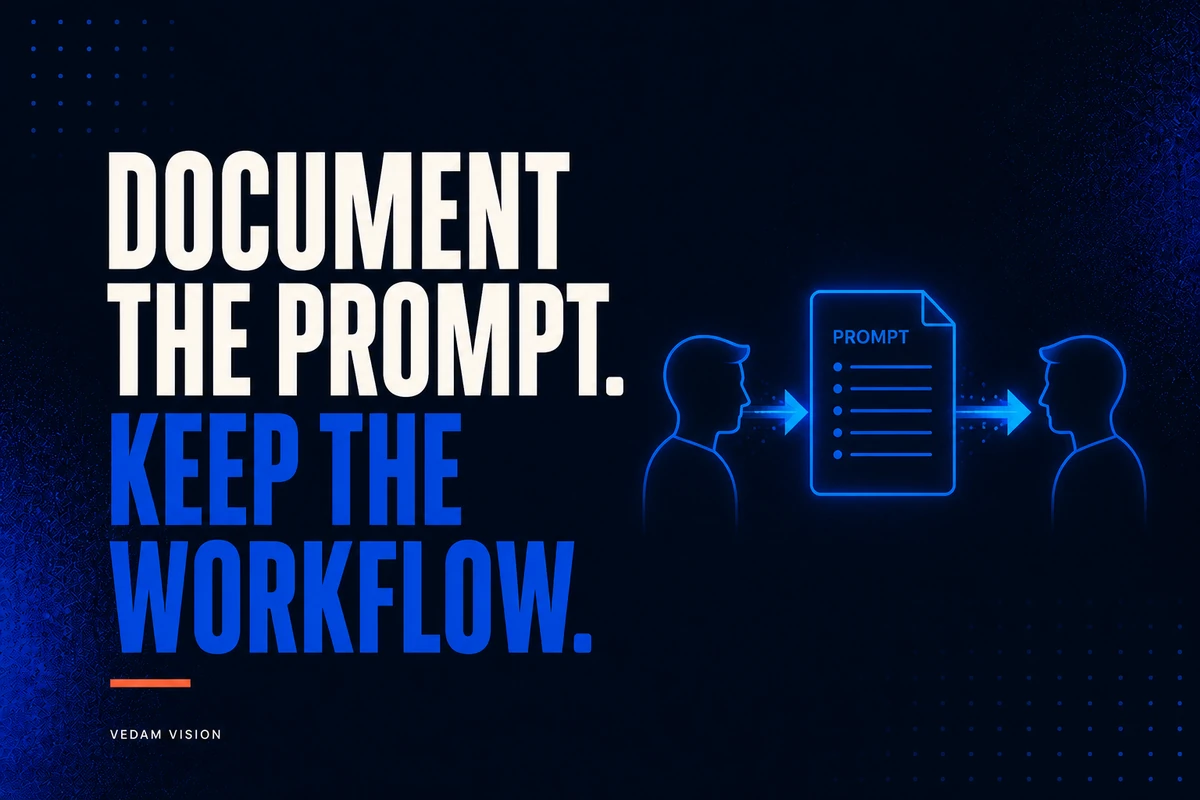
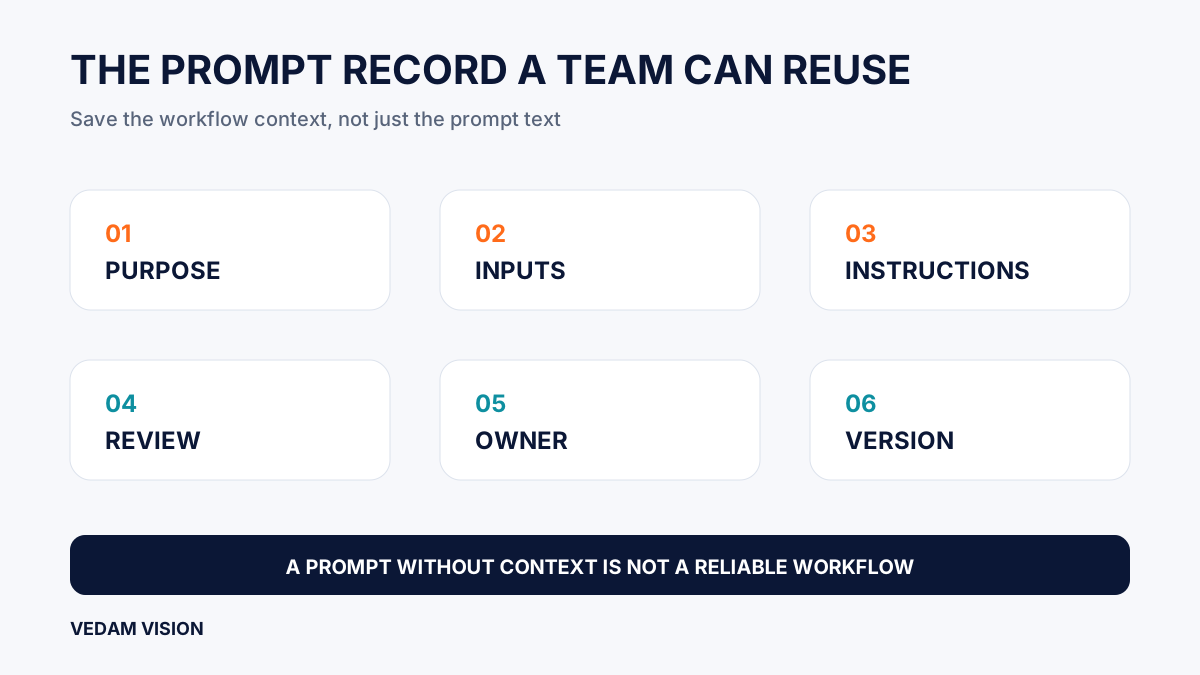
AI prompt documentation should record the business task, approved inputs, instructions, output standard, review steps, and owner, not just a clever block of text. A prompt that works only because one person remembers the client, the tool settings, and the unwritten exceptions is not a reliable workflow. When that person is unavailable or leaves, the team is left with a sentence that looks useful but cannot be used safely.
The aim is not to turn every small task into a manual. It is to capture the context a capable colleague would need to produce, check, and improve a result without guessing. For team leads, this makes AI work easier to hand over, audit, and retire when it no longer earns its place.
The NIST AI Risk Management Framework Core notes that documentation can improve transparency, human review, and accountability. Its governance guidance also connects policies, roles, training, monitoring, and third-party systems. In practical terms, documentation is how a team keeps a useful prompt connected to the actual work around it.
Document the workflow, not only the wording
A reusable prompt is more than a request to a model. It sits inside a workflow with a trigger, source material, people, constraints, a destination, and a decision about whether the output is good enough. Copying the prompt text into a shared document does not preserve those elements.
Take a recurring task such as converting an approved project note into a draft client update. The prompt may say “write a clear update.” The real workflow includes which project notes are current, who can use them, which information must stay private, what tone is appropriate, who checks facts, where the email draft is stored, and who approves it before sending. Those details should be documented alongside the prompt.
The minimum prompt record
- Workflow name and purpose: the job the prompt supports and the intended business benefit.
- Trigger and owner: when the workflow starts and who owns its continued accuracy.
- Approved tool and workspace: the product, account, model setting if relevant, and allowed integrations.
- Inputs: exact approved source materials, required fields, prohibited data, and preparation steps.
- Prompt instructions: role, task, audience, constraints, output format, and what the tool must not do.
- Output standard: examples, acceptance criteria, known failure modes, and a named reviewer.
- Version and review date: enough history to tell what changed and why.
This structure gives a new colleague a route through the work. It also prevents a team from treating an old prompt as current when the offer, data source, policy, or tool has changed.
Start with the decision the output is meant to support
Good documentation begins before the model is involved. Ask what decision, action, or conversation the output will support. A prompt that produces “research” has no clear finish line. A prompt that prepares “a source-linked comparison for a manager deciding whether to test a new service” does.
The decision matters because it sets the review standard. A private outline may need a quick sense check. A client recommendation, pricing discussion, public claim, operational update, or automated action needs more evidence and a clearer approval path. The Vedam Vision process offers a useful reminder that discovery, planning, production, and approval are different stages, even when AI helps with more than one of them.
Write the objective in plain language. “Reduce time needed to turn an approved brief into a first draft while preserving facts, scope, and brand constraints” is more useful than “automate content.” It describes value without pretending the tool owns the final result.
Make inputs reproducible and safe
Most prompt failures begin with weak inputs. A prompt can be carefully written and still produce an unreliable result if it receives out-of-date notes, a partial spreadsheet, an unapproved brief, or mixed client information. Document where inputs come from, who prepares them, how current they must be, and what must be removed before they are used.
Include a short input checklist. State the approved folder, template, record system, or report. Name the fields required. Flag data that must never be included. Specify how to handle missing values and contradictions. If the workflow uses source links, require the reviewer to open and verify the source rather than relying on text generated by the model.
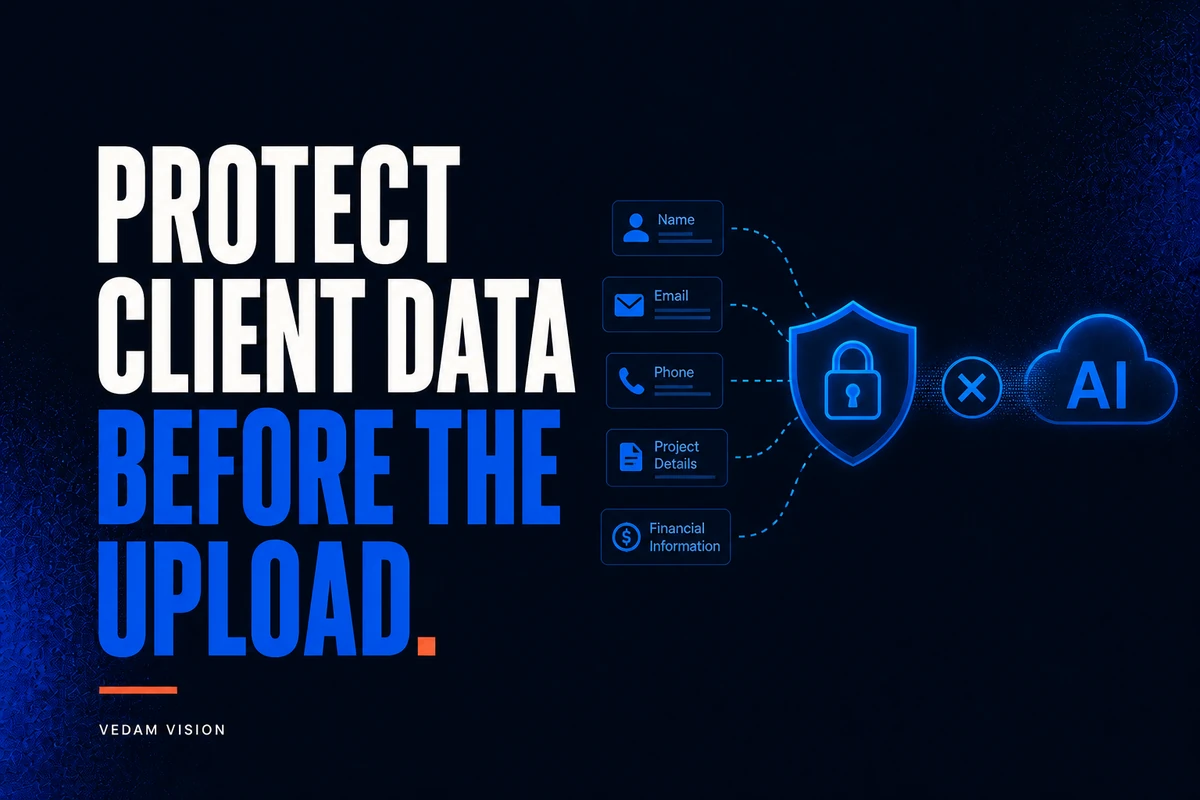
Data minimisation belongs here too. The team should share only the material necessary for the task and follow the rules in its AI data privacy checklist. A useful prompt guide should say whether names, account details, contact information, credentials, and client-confidential material are allowed, replaced, or prohibited.
Write instructions that expose assumptions
A strong prompt is specific about the job but honest about limits. State the audience, desired outcome, available evidence, exclusions, length, format, tone, and review requirements. Tell the model to label uncertainty, ask for missing information, or stop rather than fill gaps with a convincing invention.
Do not hide important instructions inside a long paragraph. Put the non-negotiables in a readable order: objective, source material, task, constraints, output structure, and checks. Use variables for details that change, such as project name, audience, deadline, approved offer, or source set. A variable makes a handover safer because the next user can see what must be supplied.
Useful instruction patterns
- “Use only the approved source material provided below. Flag a missing fact instead of creating one.”
- “Separate verified facts from recommendations, and state any material uncertainty.”
- “Return the output in the named format with headings that match the review checklist.”
- “Do not include client names, personal details, unapproved claims, quotations, or performance results.”
- “This is a draft for human review. Do not send, publish, update a record, or take another external action.”
These are operating instructions, not magic words. They reduce ambiguity, but they do not replace source checking or judgement. A model can still misunderstand a clear instruction, especially when an input is incomplete or conflicts with another one.
Define the output and review standard
Document what a good result looks like in the destination where it will be used. A helpful quality standard has objective checks and judgement checks. Objective checks might include the correct headings, required fields, source links, no prohibited terms, or the expected file format. Judgement checks might ask whether the result fits the audience, handles exceptions, makes proportionate claims, and is useful enough to act on.
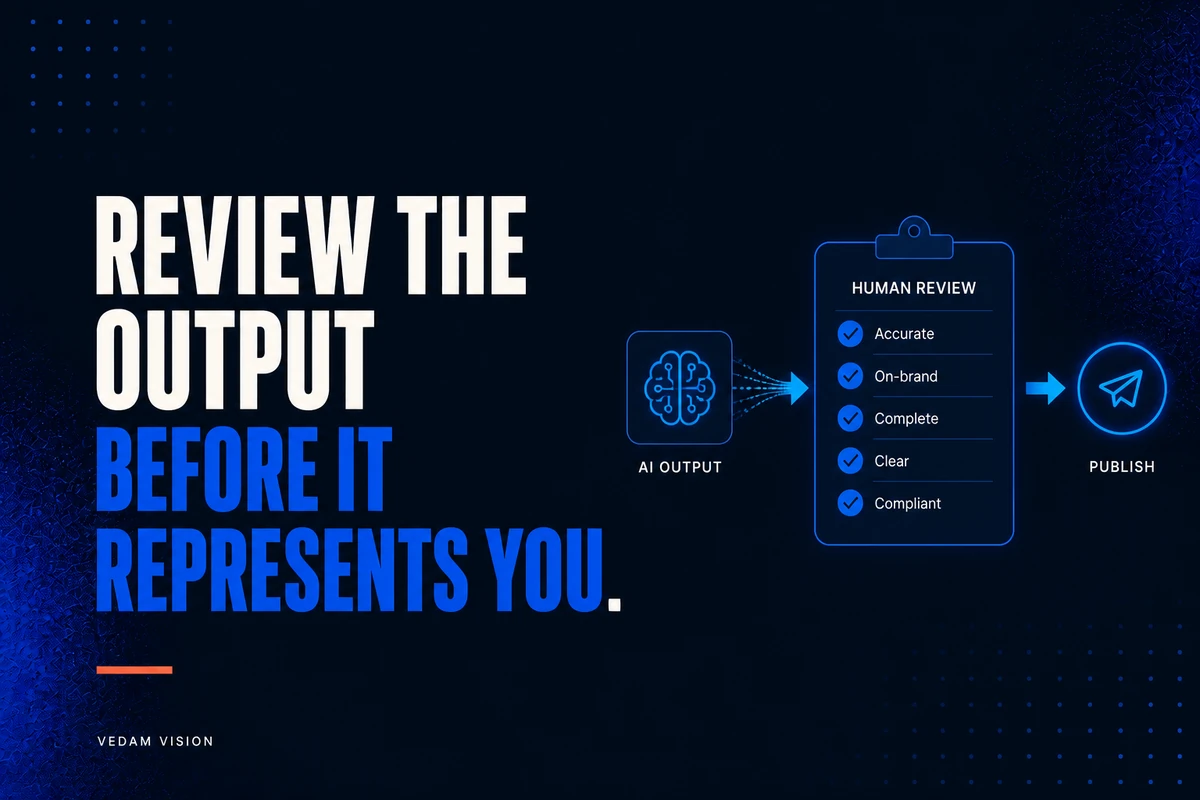
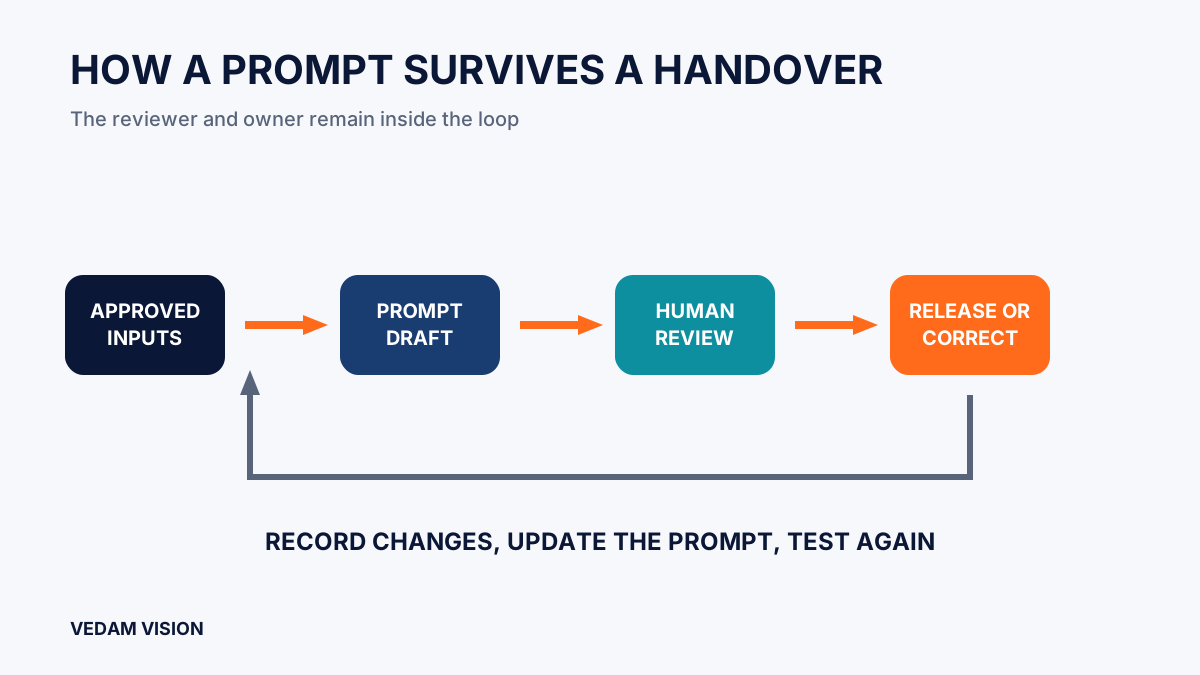
Link the prompt record to an AI output review checklist. The reviewer should verify important facts, calculations, context, confidentiality, rights, quality, and final accountability. State when review is mandatory and when the workflow must stop. If nobody has the authority or knowledge to check the output, the workflow is not ready for routine use.
Assign an owner and a review rhythm
Every recurring prompt needs an owner. Ownership does not mean the owner must run every task. It means one role is responsible for the purpose, current inputs, allowed tool, review standard, change log, and decision to retire the workflow. Without ownership, a prompt library becomes a shelf of fragments nobody trusts.
Choose review events that match the risk. Review whenever the tool, provider terms, connected integration, data source, offer, policy, or audience changes. Review after a material error or a repeated correction. Set a simple scheduled review for stable workflows, but do not wait for it when the context has already changed.
The NIST AI RMF treats governance as a cross-cutting function and calls for documented roles, ongoing monitoring, and review. Small teams can apply that principle by making responsibility visible and using a short change note instead of a large committee process.
Keep versions usable, not ceremonial
Versioning is valuable when it explains the reason for a change. Use a consistent name, a version number or date, the owner, a short change summary, and a link to the current approved record. Archive a retired version rather than leaving it in the same folder without a label. A colleague should be able to tell which prompt is active in seconds.
Test a changed prompt with safe, representative material before making it routine. Compare the result with the previous approved version and note what improved, what regressed, and whether the review burden changed. For workflow design and implementation questions, an AI solutions and automation review can help a team identify the controls that need to surround the prompt.
Build a shared library around real jobs
Organise the library by business workflow, not by model trick. People look for “draft project update,” “turn service notes into an outline,” “prepare an internal meeting summary,” or “check a content brief.” Each entry should make clear whether it is approved, experimental, paused, or retired.
Add examples only when they are safe to share and representative of the quality bar. Remove client data from examples. Include a short note about common failure modes, such as missing context, unreliable sources, overconfident tone, or incorrect formatting. That note helps a new staff member understand where human attention matters most.
A practical AI prompt documentation checklist
- The record names a specific business purpose and decision.
- The owner, approved tool, and workflow trigger are clear.
- Inputs are current, reproducible, and reduced to what the task needs.
- Instructions state the audience, source limits, constraints, format, and prohibited actions.
- The output standard and named reviewer are documented.
- Changes, tests, review dates, and retirement decisions are visible.
- A staff member can follow the workflow without relying on undocumented memory.
AI prompt documentation is not a substitute for capable people. It lets capable people apply their judgement consistently when the team changes. For help designing a prompt library that supports real operations, explore Vedam Vision services, request a free digital audit, or contact Vedam Vision.